One library for everything
Track the apps you have installed and the ones you still want side by side, in a single list you can actually keep up to date.
For iPhone
Track your apps, what you pay for them, and how much time you actually spend in them.
No account. Your library never leaves your iPhone.
Features
Six things AppSpend does well, rather than thirty it does badly.
Track the apps you have installed and the ones you still want side by side, in a single list you can actually keep up to date.
Record an app as free, daily, weekly, monthly, yearly or one-time, and see what it truly works out at per month and per year.
Log the time you spend in an app each day and watch it total into weekly, monthly and yearly hours automatically.
Total monthly spend, yearly spend, apps tracked and wishlist size — the four numbers that matter, on one screen.
Cost by category, twelve months of spending history, your top five most expensive apps, and what you use most and least.
Search, filter by installed, wishlist, free, paid, favourites or category, and sort by price, name, date added or usage time.
FavouritesSwipe to delete, with undoPull to refreshLight and dark mode
Screenshots
Light and dark mode, and a dashboard that gets to the point.
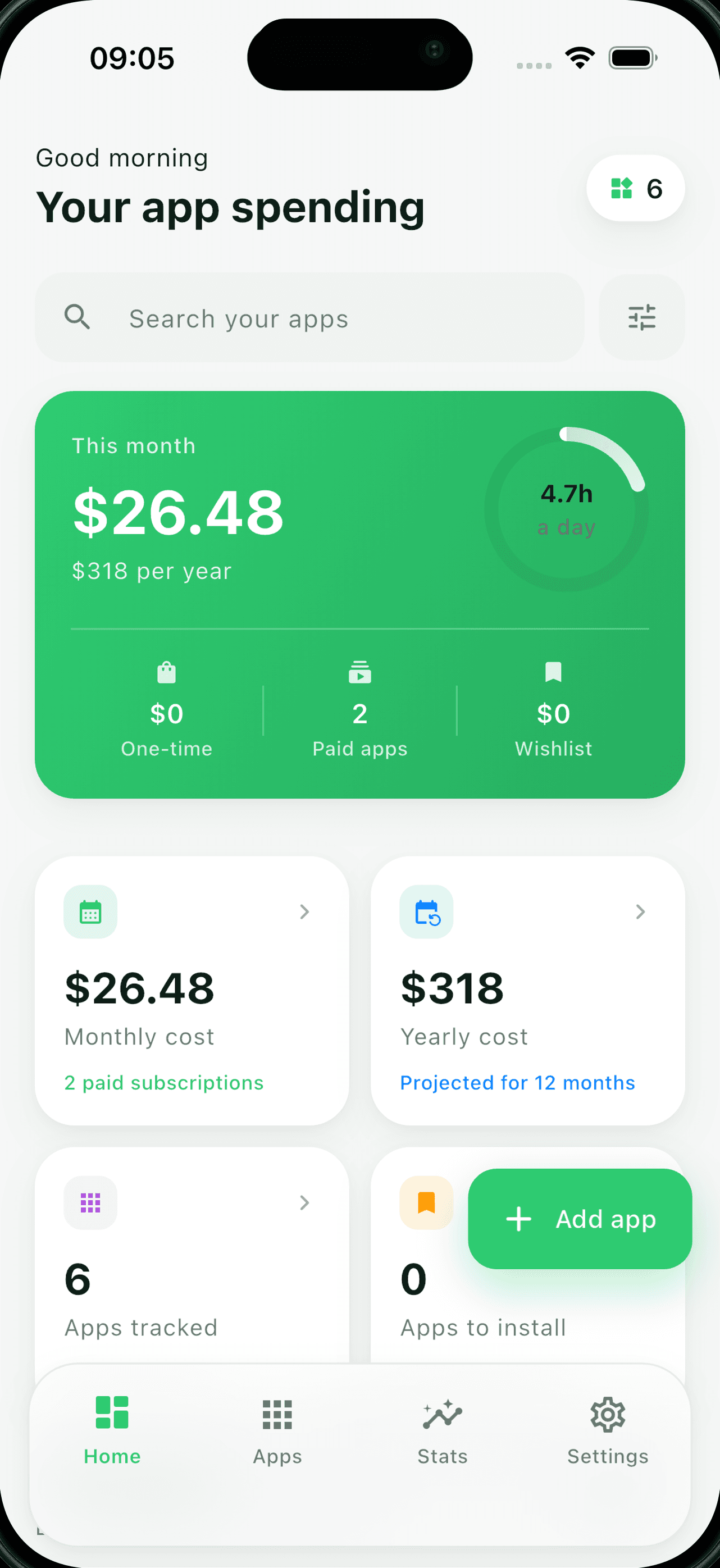
Your month at a glance
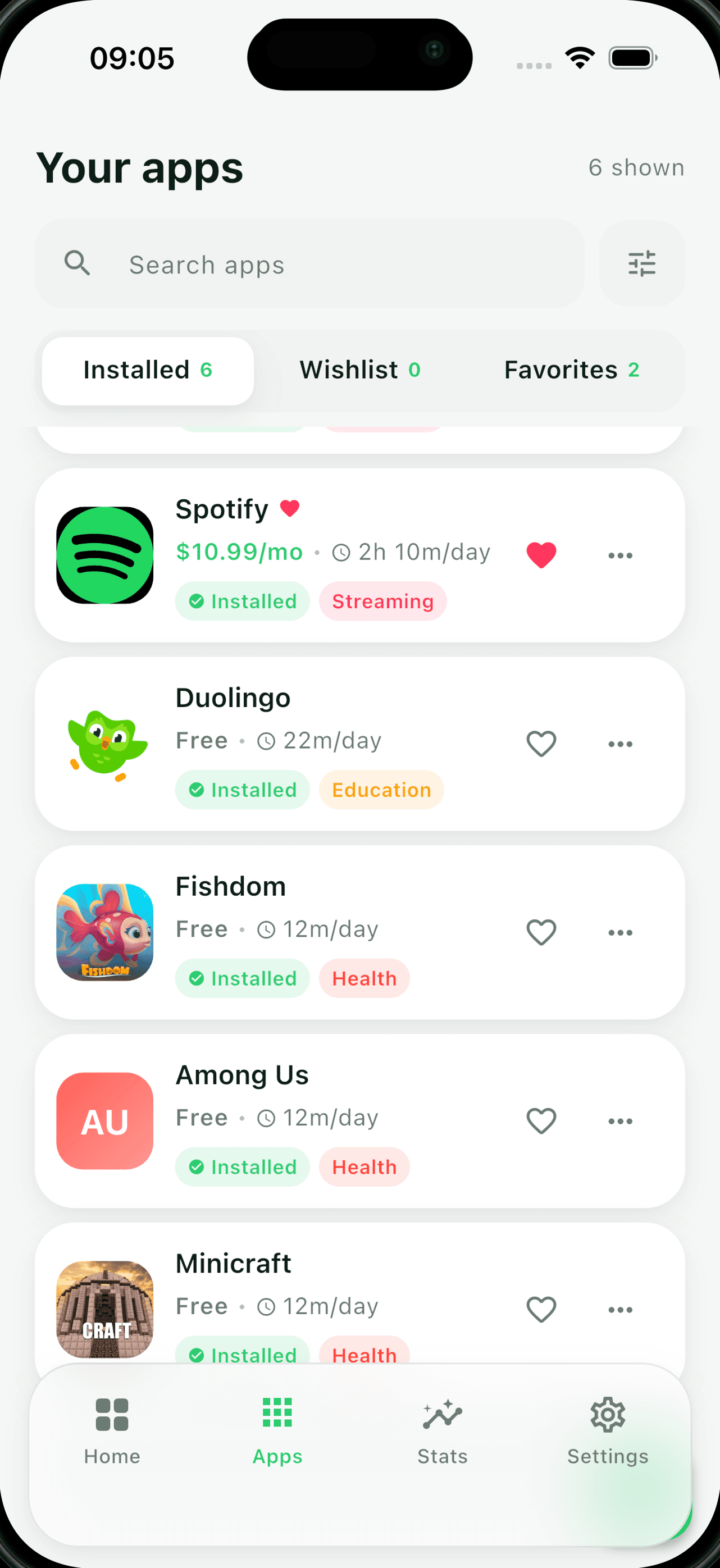
Every app in one library
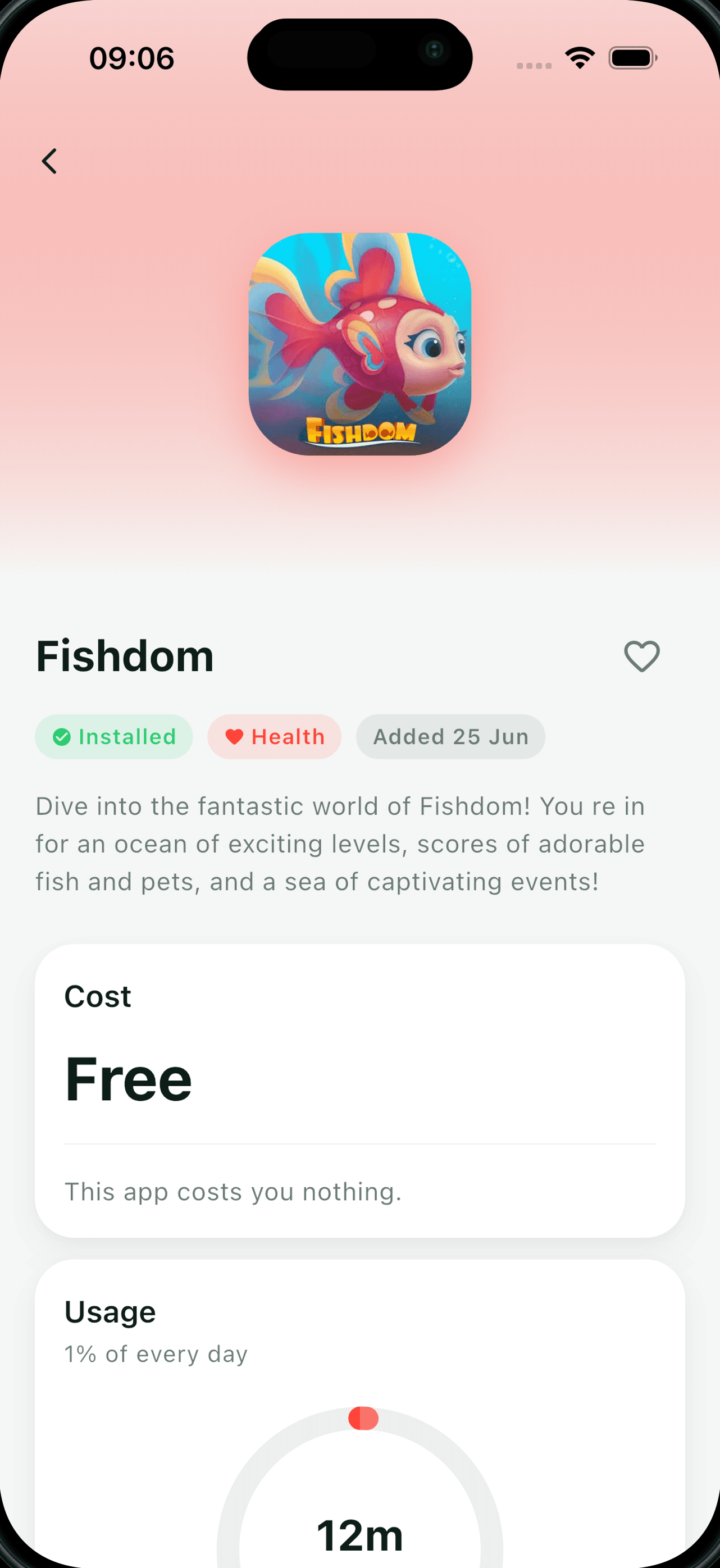
Cost and usage, per app
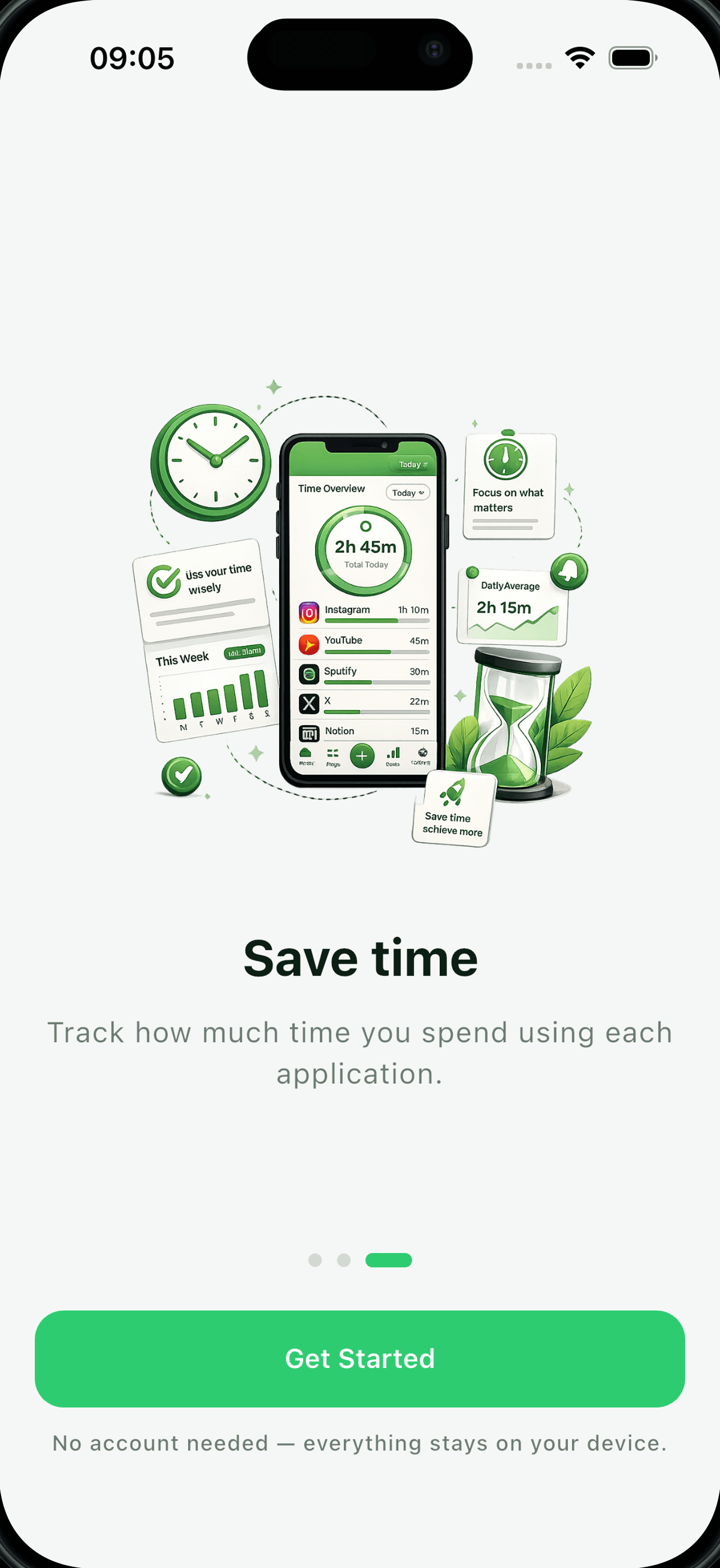
Set up in under a minute
How the numbers work
You should know how a total was reached before you trust it, so here are the rules in full.
A year is not 48 weeks. Dividing by four would flatter every weekly subscription you own, so we do not.
Small daily amounts are the ones that surprise people most when they add up.
The straightforward one.
So an annual plan can be compared fairly against a monthly one.
A payment you make once is not a running cost, so folding it into a monthly figure would make that figure meaningless. One-time purchases are reported on their own and are never added to your monthly or yearly recurring totals.
Every figure is calculated from what you type in. Providers bill on calendar months of different lengths, prices change part-way through a term, and the App Store applies its own tax and currency conversion. Expect these numbers to be close to your real bill rather than identical to it.
Usage works the same way. iOS does not hand Screen Time data to apps like this one, so the hours you see are the ones you recorded yourself.
FAQ
Your library is. Every figure you enter is written to a local database on your iPhone and stays there — there is no server of ours to send it to, no account and no analytics SDK.
The app shows ads from Google AdMob, and Google receives device information in order to serve them. It is never given your library: not the apps you track, not the prices, not your usage times.
The Privacy Policy sets out exactly what the ads collect, how to turn off ad tracking on your iPhone, and the one other case where your device goes online — pasting an image URL for an app icon, which fetches that image exactly as a browser would.
No. There is no sign-up, no log-in, no email address and no profile. Open the app and start adding apps.
No, and it is important to be clear about that. AppSpend does not connect to your App Store account. It cannot see what you are actually subscribed to, and it cannot start, change or cancel anything.
Deleting an entry here deletes a note you wrote; the real subscription carries on. Those are cancelled in the Settings app on your iPhone: tap your name, then Subscriptions.
No. iOS does not make Screen Time data available to apps like this one, so usage is entered by you.
You record how long you spent in an app on a given day, and the app rolls those daily entries up into weekly, monthly and yearly totals and into the usage statistics.
Yes. Free to download, free to use, with no in-app purchases and nothing to subscribe to. It is paid for by ads instead.
Your data is never sold to make that possible. There is nothing collected to sell.
Swipe an app away to remove a single entry — an undo option appears for a few seconds in case you did not mean it.
To remove everything, delete AppSpend from your iPhone and iOS removes its local database with it. That is permanent: there is no copy on a server, so nobody can restore it for you.
Anything else? Head to support.
Add your apps, put a price against each one, and let AppSpend do the arithmetic. It takes a few minutes, and all of it stays on your phone.
Free · No account · Your data stays on your phone